
Business
Create business flyers for every promotion
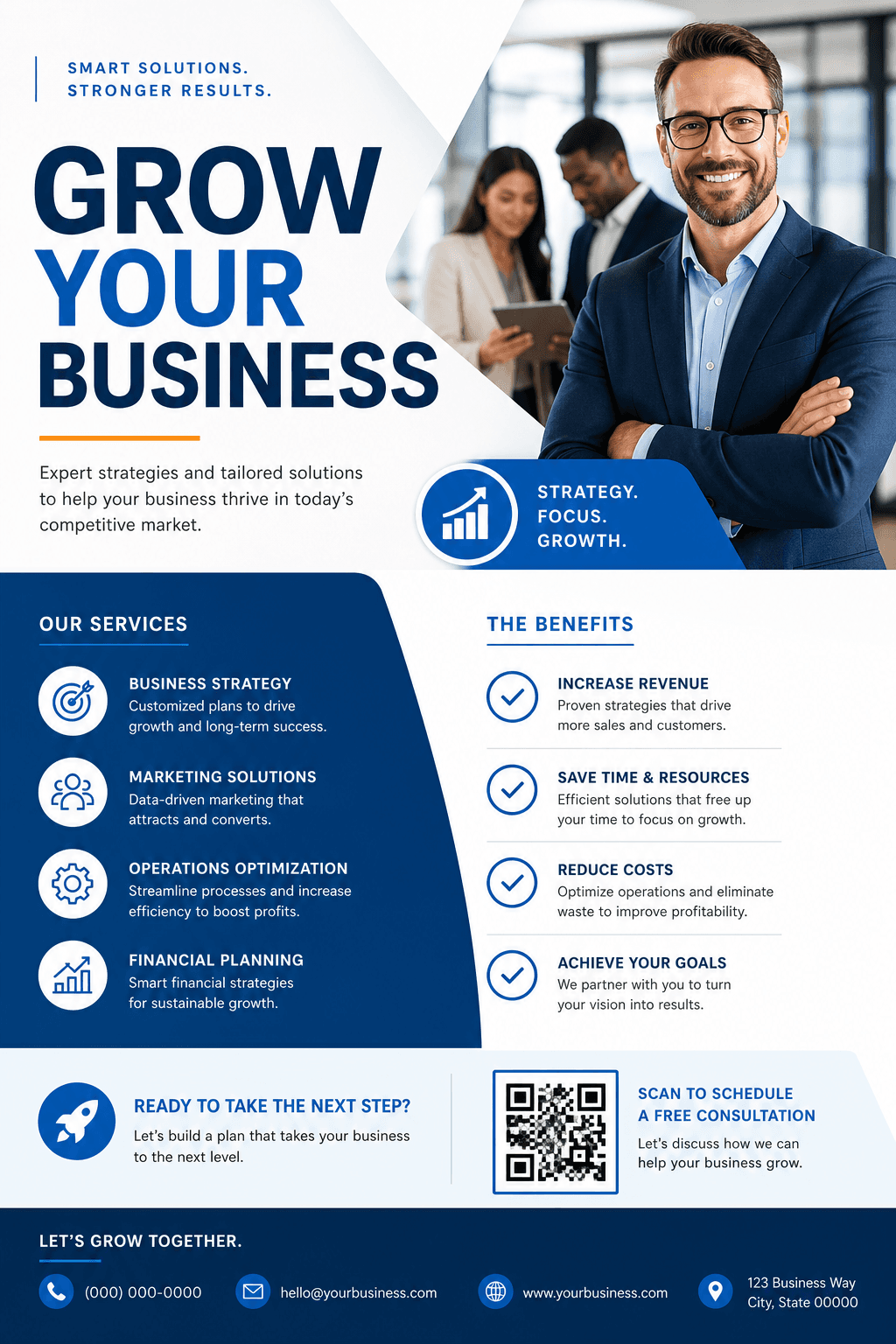
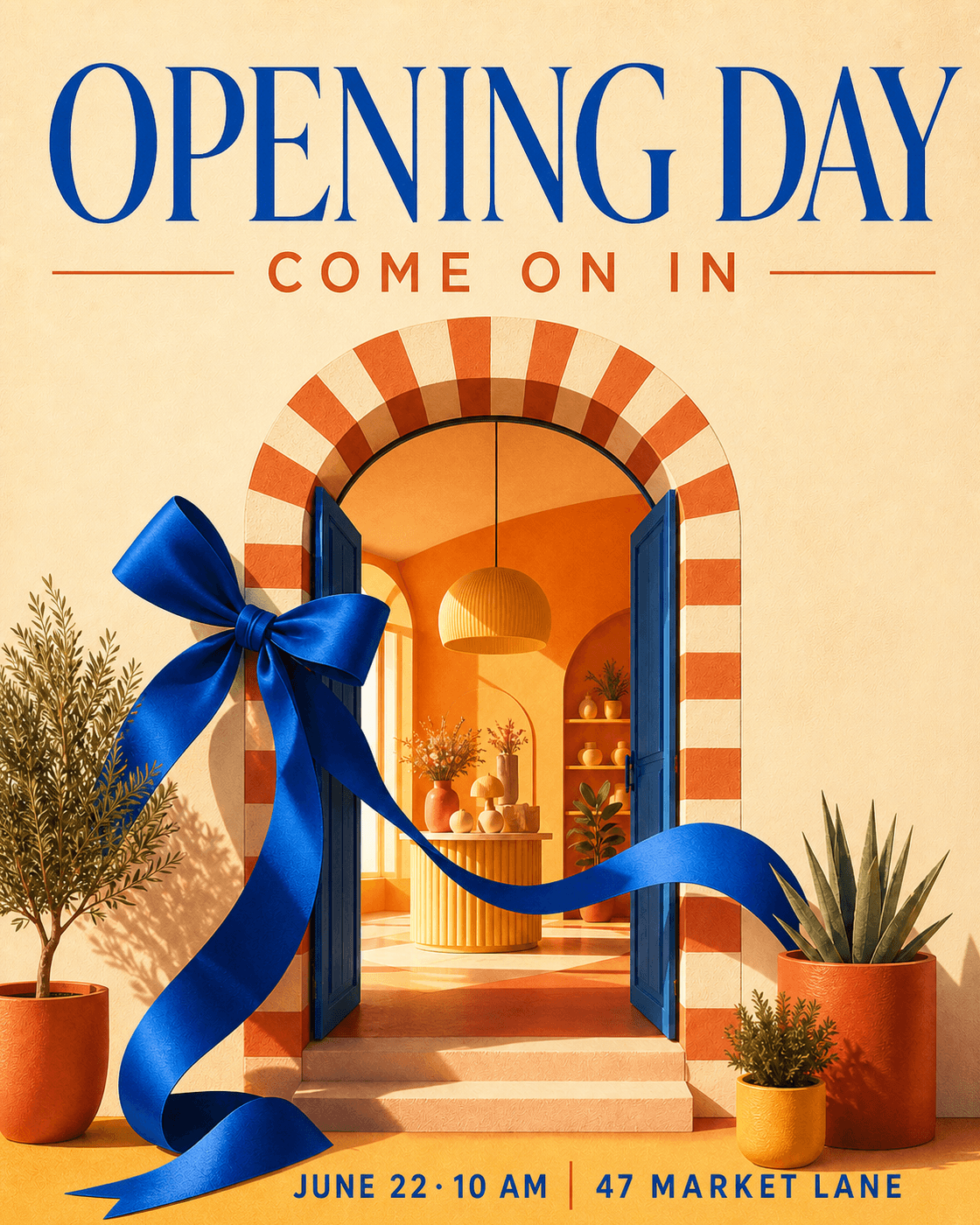
Make grand opening, limited-time sale, local service, and product launch flyers with a clear offer and one obvious next step.
Turn a simple prompt into polished AI flyers for businesses, events, real estate, restaurants, schools, parties, and local campaigns.
From quick announcements to full promotions—one AI flyer generator handles the core design work.
Make grand opening, limited-time sale, local service, and product launch flyers with a clear offer and one obvious next step.
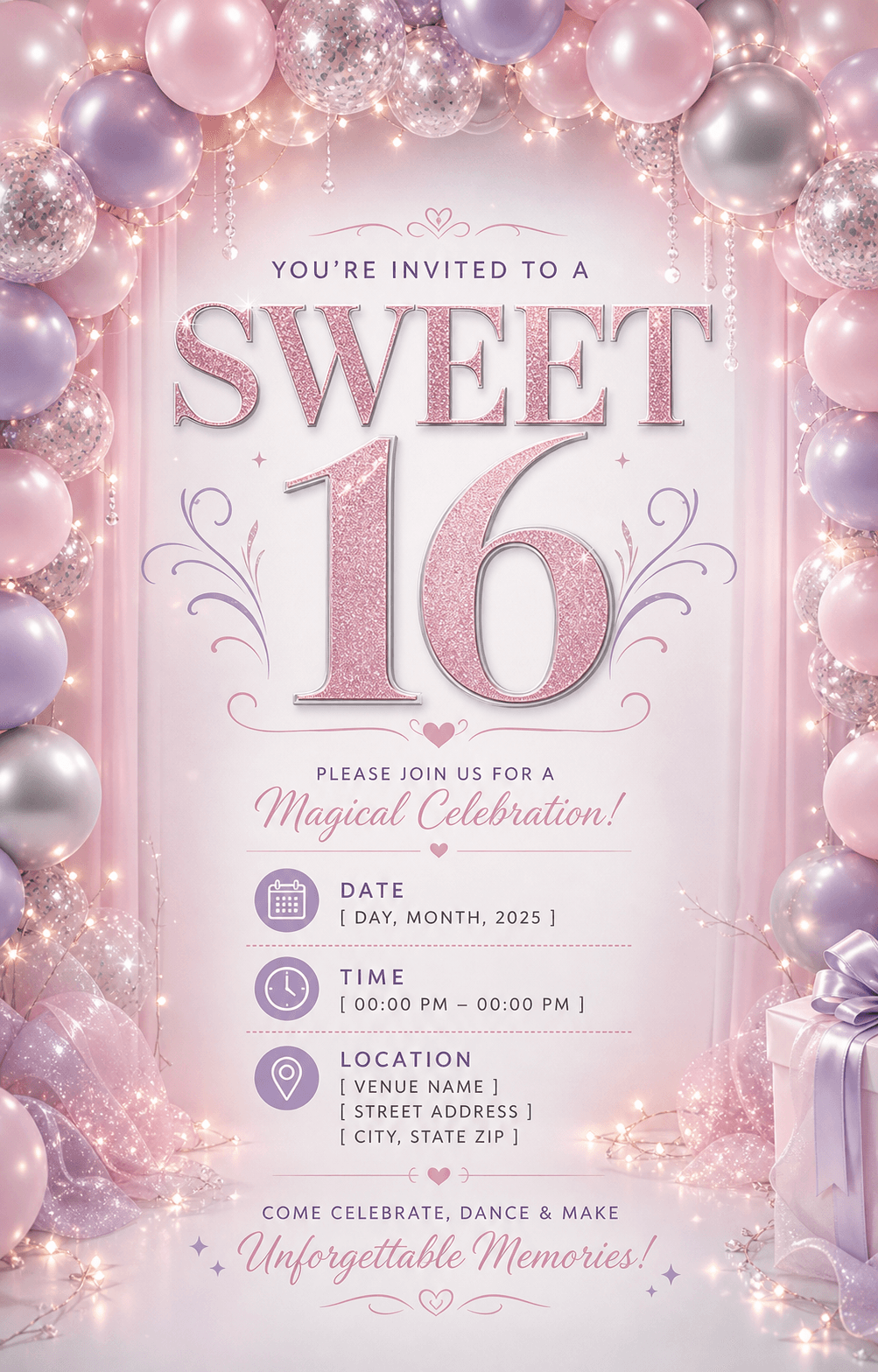
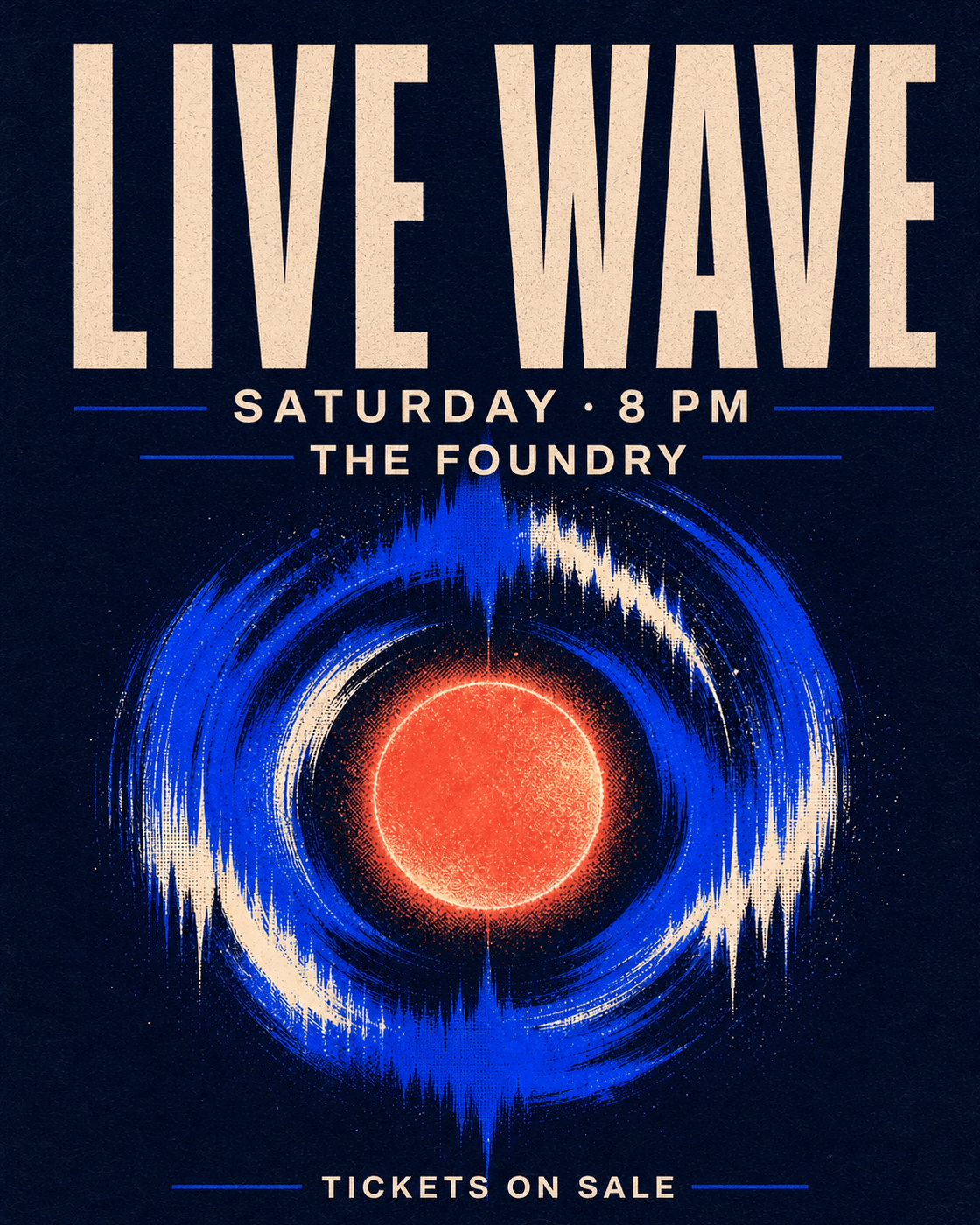
Create concert, workshop, birthday, community event, and party flyers that make the date, venue, and RSVP details easy to scan.
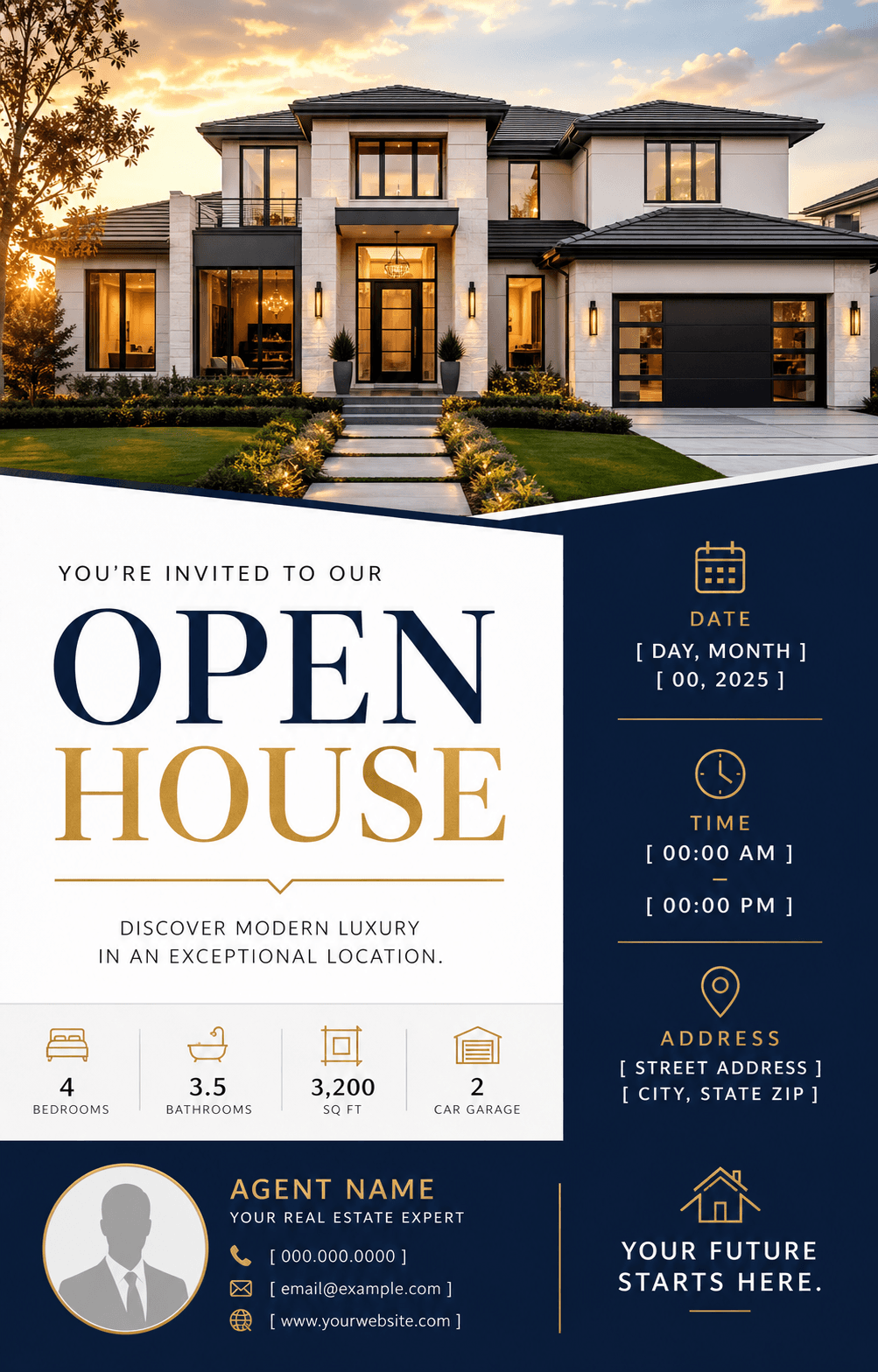
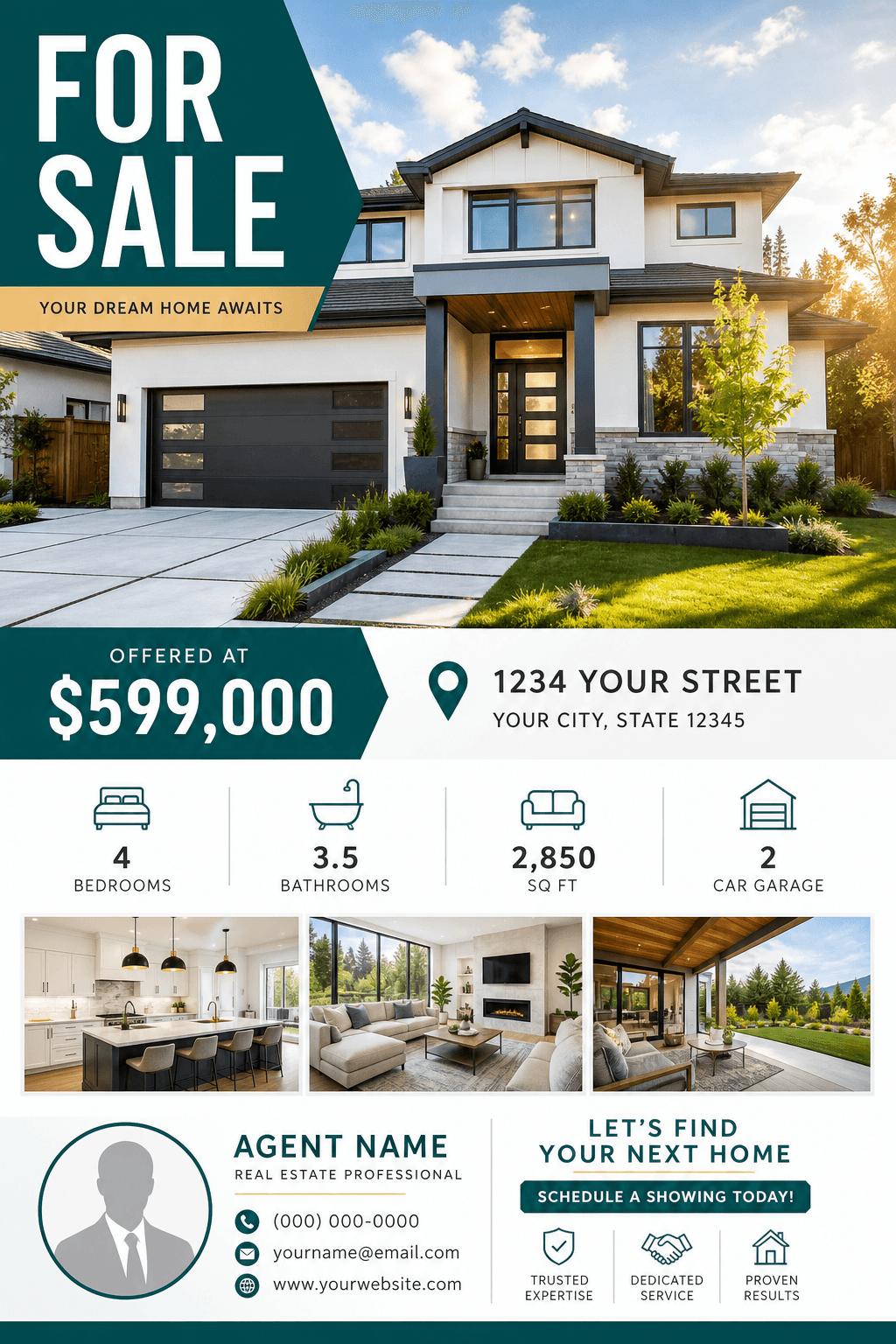
Promote an open house, new listing, price update, or agent announcement with property photos and the essential listing details.
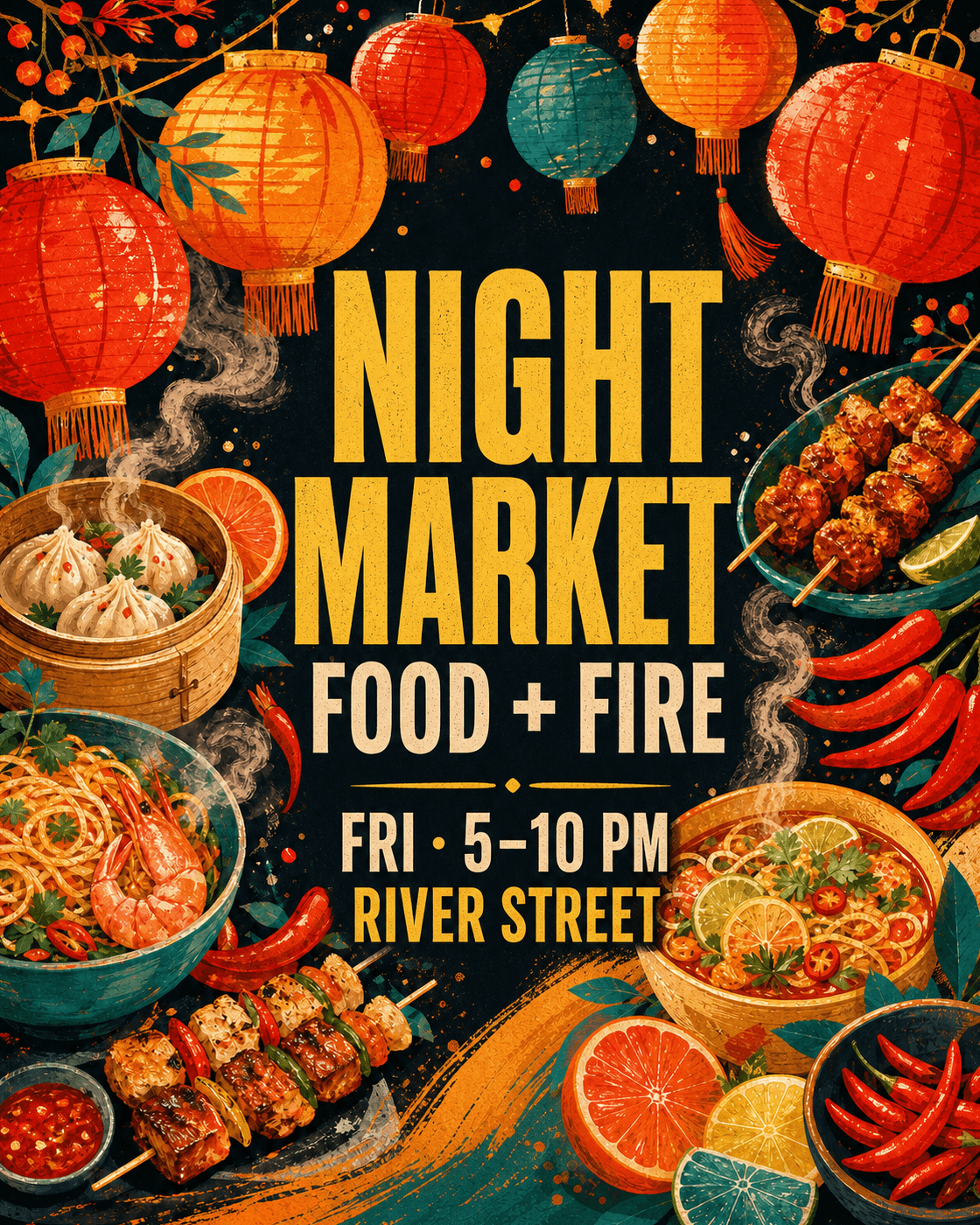
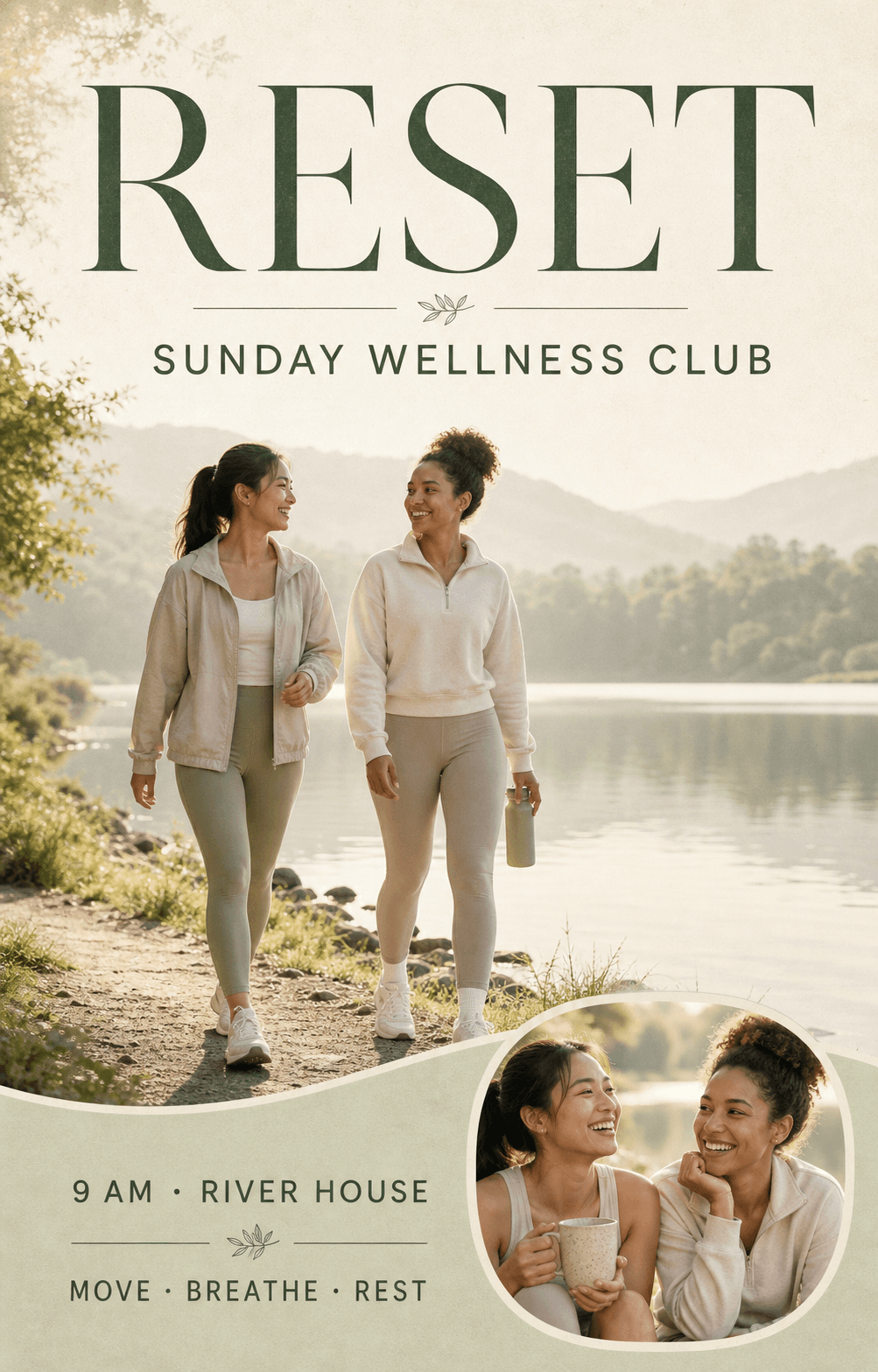
Turn a menu special, new class, seasonal offer, salon service, or fitness promotion into a flyer built around the offer.
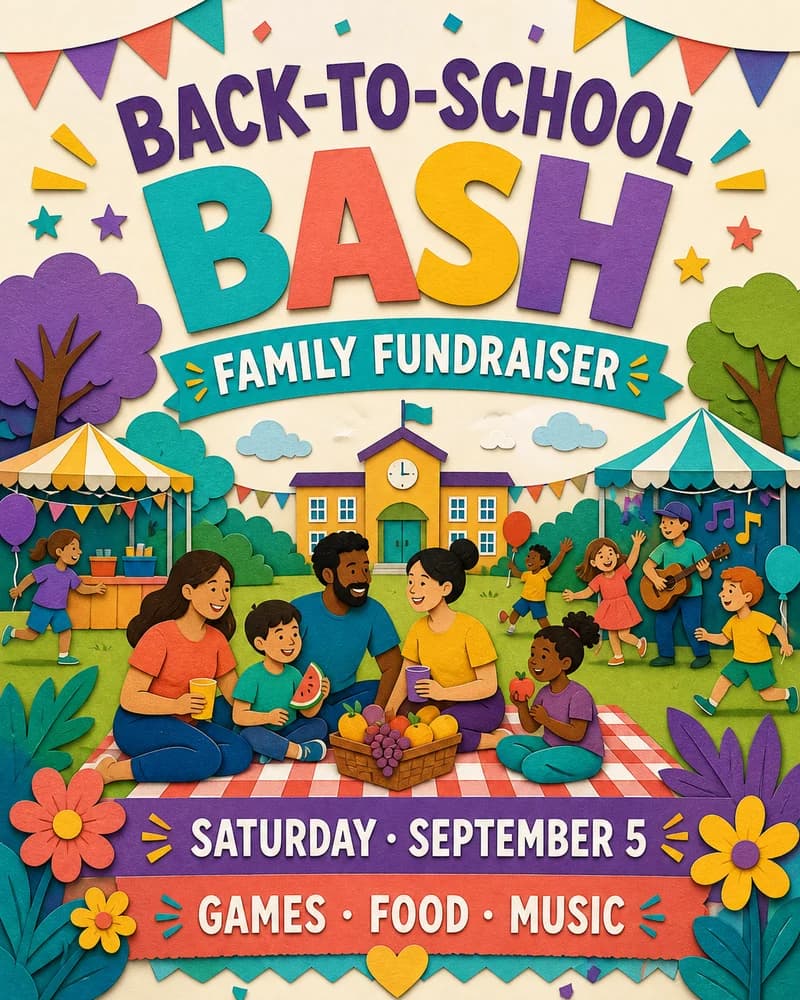
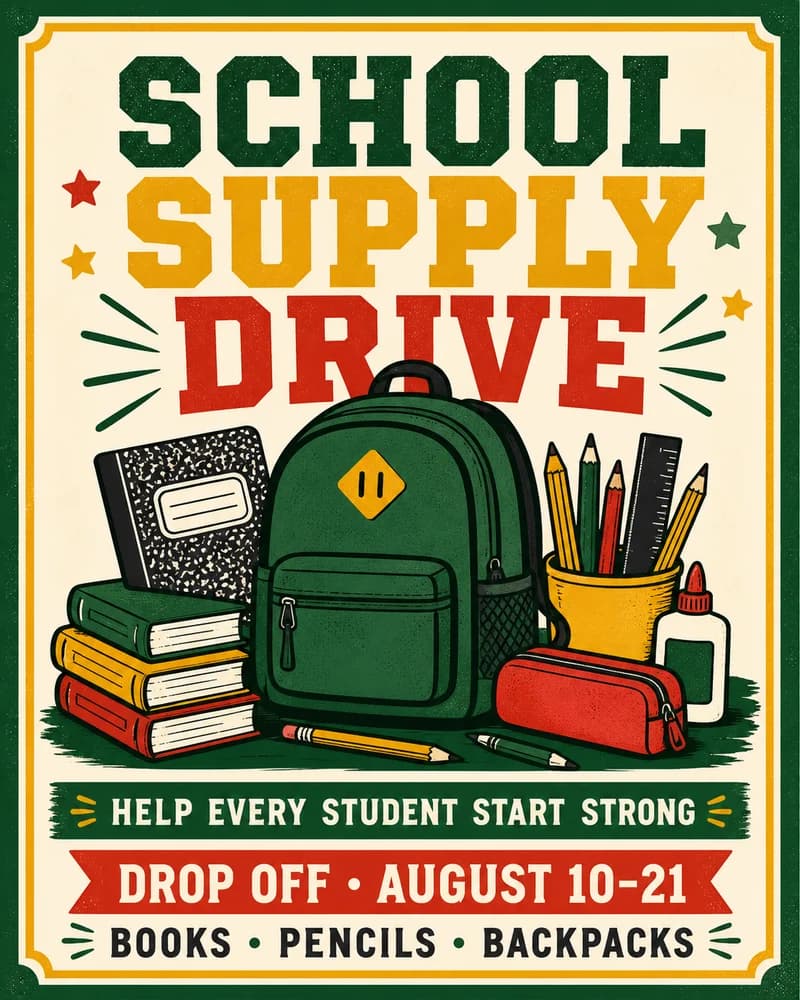
Bring together the goal, schedule, location, donation details, and next action for fundraisers, volunteer drives, and school programs.
An AI flyer generator turns your campaign brief into a complete flyer design. Describe the headline, offer, date, venue, audience, and visual style—or upload a reference image—then continue in Vismuse to generate and refine AI flyers for print and social media.
Built for practical promotional workflows, from fast concepts to high-resolution flyer exports.
No design skills needed. Use the AI flyer generator to move from campaign brief to polished visual.
Include the purpose, audience, exact headline, important details, call to action, and visual direction.
Continue to Vismuse and let AI arrange the hierarchy, copy, imagery, color, and typography.
Ask for specific changes, check every detail, then prepare the final design for print or social.
An AI flyer generator turns a written campaign brief into a complete flyer direction. It can plan the hierarchy, wording, typography, colors, and imagery together so you begin with a designed first draft instead of a blank canvas.
Describe the audience, headline, date, location, offer, call to action, final format, and visual direction. Continue to the Vismuse flyer studio, generate a first draft, then request precise changes in natural language.
Include the flyer purpose, exact text that must appear, audience, date, time, location, price or offer, contact details, call to action, brand direction, and whether the result is for print or social media.
Yes. Open the flyer workflow in Vismuse and add your logo, product photos, property images, or other visual references. Explain which assets must remain unchanged and how they should be used.
Yes. Ask for focused revisions such as making the headline shorter, increasing contrast, replacing an image, changing the palette, moving the date higher, or adapting the layout for another format.
US Letter and A4 are common for full-page printing. A 4:5 layout works well for social feeds, while 9:16 suits Stories. Name the final destination in your prompt so the composition is planned for it.
You can create flyers intended for business marketing, but review every generated image, claim, price, date, contact detail, and brand element before publishing or printing.
Upload a reference, describe your campaign, and generate AI flyers ready to refine, share, or print.
Generate an AI flyer