Write a prompt the flyer generator can use
State the flyer type, audience, exact text, important details, visual style, brand colors, and final format. Separate required copy from optional art direction so the most important information stays clear.
From prompt to visual
Use the flyer generator when you know what the campaign must say but need help turning it into a visual. Combine the headline, essential facts, call to action, dimensions, and aesthetic direction in one prompt, then generate a complete first draft in Vismuse.
Generate a flyer with AI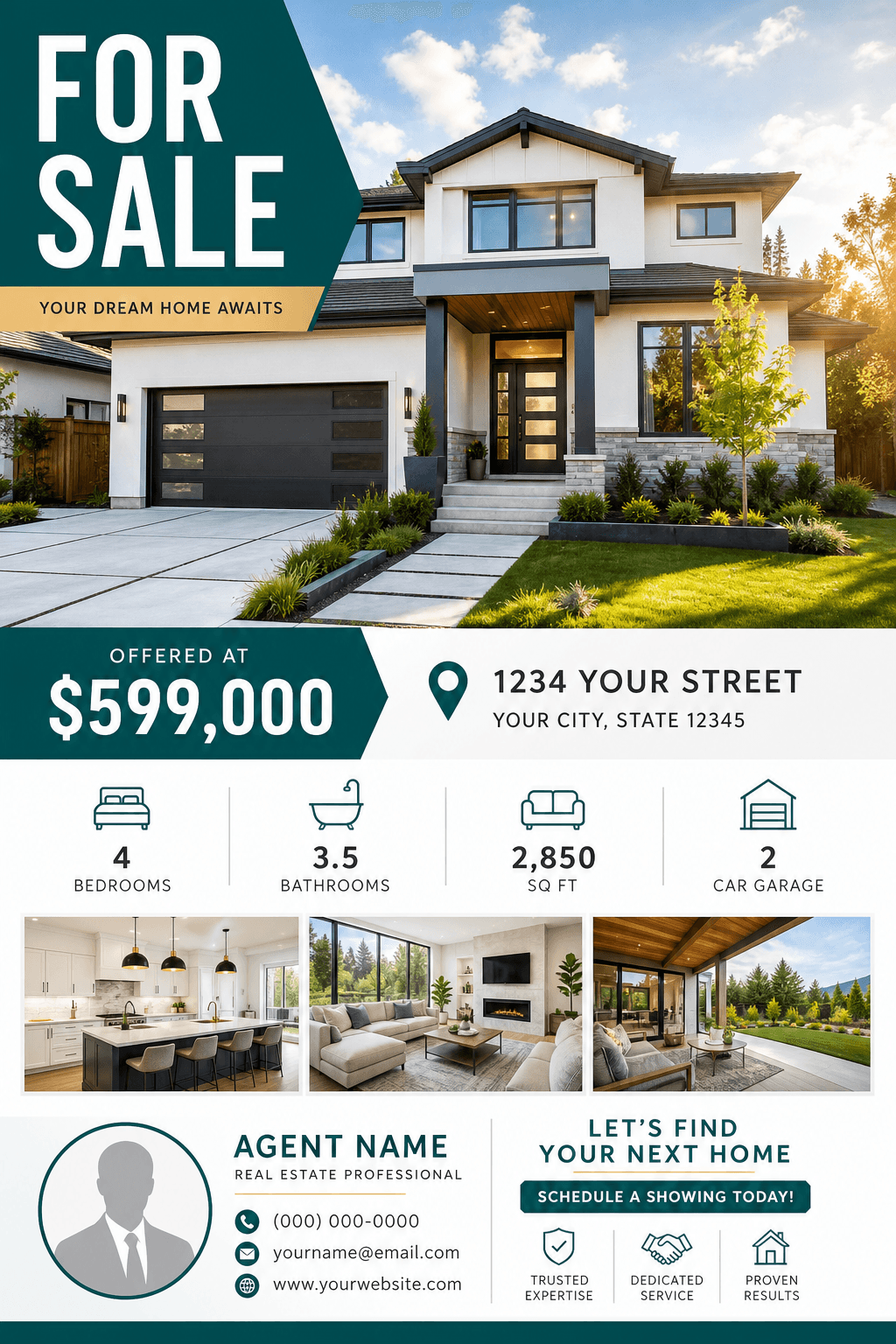
State the flyer type, audience, exact text, important details, visual style, brand colors, and final format. Separate required copy from optional art direction so the most important information stays clear.
The first result establishes a composition, visual tone, and information hierarchy. Review the generated flyer as a creative direction, then identify the most valuable change instead of rewriting the entire brief.
Before publishing, verify spelling, names, dates, addresses, prices, phone numbers, URLs, and QR instructions. AI-generated visual content should always receive a final human review.
PROMPT STARTER
“Generate a modern flyer with a bold headline, concise supporting copy, clear campaign details, and a high-contrast call to action.”
FLYER GENERATOR FAQ
Yes. A detailed prompt can produce a complete first draft. You will get better results when you include the exact copy, audience, format, and desired visual direction.
Include the purpose, audience, headline, required facts, call to action, visual mood, brand guidance, and final print or social dimensions.
Yes. Continue in Vismuse and request focused changes to the copy, images, colors, hierarchy, or format.
READY WHEN YOU ARE