Prompt-first flyer design

AI Flyer Maker

Make a polished flyer, then refine every detail.

The AI flyer maker turns your campaign brief into a designed first draft without making you arrange every element by hand. Describe the audience, message, event or offer, and visual direction, then continue in Vismuse to create and revise the flyer.

Use the AI flyer maker
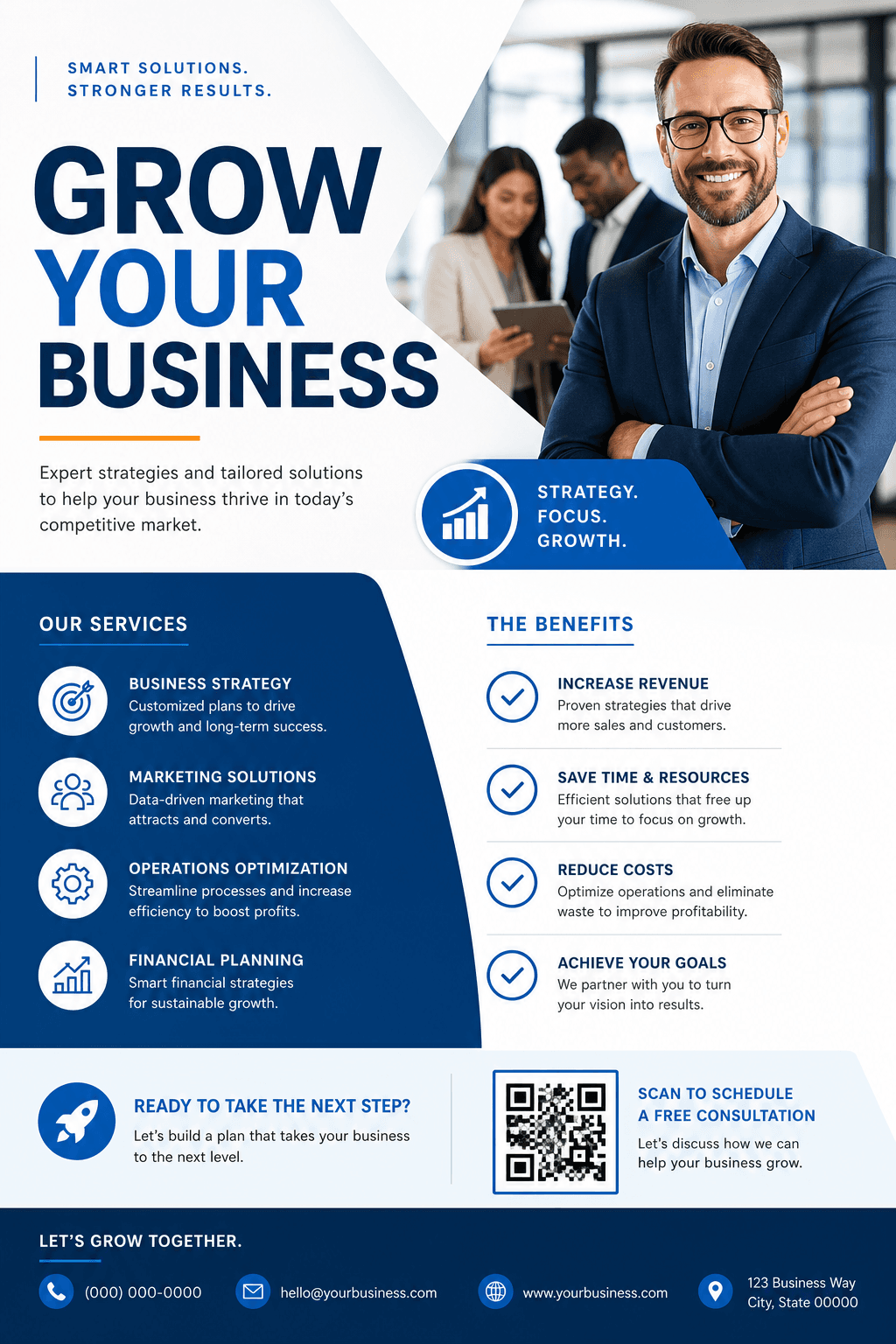
Professional flyer created with an AI flyer maker
01Start with a prompt or template
02Refine through natural language
03Prepare for print or social
01

Start with a complete AI flyer brief

Give the AI flyer maker the same information you would share with a designer: the goal, audience, headline, essential details, brand direction, final format, and desired action. A more specific brief gives the first result a clearer hierarchy.

02

Edit your design with simple requests

After the first draft, ask the AI flyer maker for targeted changes such as shortening the headline, increasing contrast, replacing an image, making the date more prominent, or adapting the layout for a social feed.

03

Make flyers for print and social

Name the destination before you create. Letter and A4 work for full-page print, half-page sizes suit handouts, 4:5 is useful for feed posts, and 9:16 is designed for Stories and other vertical placements.
PROMPT STARTER

Give the ai flyer maker a useful brief.

“Create a polished promotional flyer with a clear headline, strong visual hierarchy, campaign details, and a direct call to action.”

Use this prompt

AI FLYER MAKER FAQ

Frequently asked questions about the ai flyer maker.

What is an AI flyer maker?+

An AI flyer maker turns a written brief and optional reference images into a flyer design. You can then request changes to the copy, imagery, colors, composition, and format in natural language.

Can an AI flyer maker edit an existing idea?+

Yes. Start from a template or upload a visual reference, explain what should remain, and describe the changes you want to make in Vismuse.

What details should I provide?+

Include the headline, audience, date, time, location, price or offer, contact details, call to action, format, and any brand or style guidance.

READY WHEN YOU ARE

Start with the ai flyer maker.

Continue in Vismuse to generate, refine, and download your flyer.
Create with Vismuse