
Real estate
How to Create a Real Estate Flyer
Organize property photography, listing facts, agent details, and the next action into a clear layout.
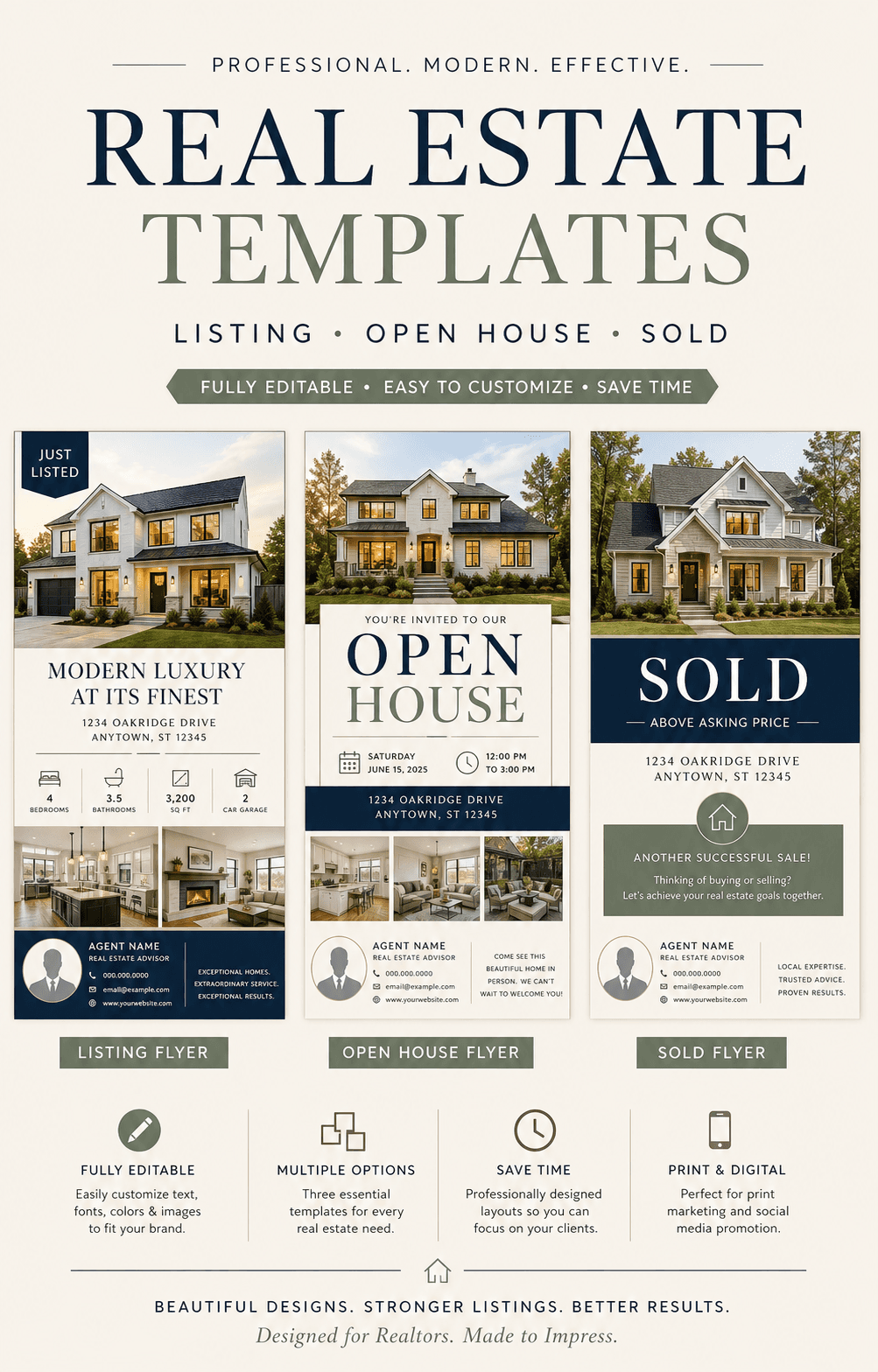
A real estate flyer should help a potential buyer understand the property in seconds, then make it effortless to find the next viewing or contact the agent.
Lead with the strongest property image
Choose a bright, representative hero photo. Supporting images should reveal different spaces instead of repeating the same angle.
Build a clear information hierarchy
The address, price, property type, and defining benefit should be easy to find first.
- Address and neighborhood
- Price or listing status
- Bedrooms, bathrooms, and key dimensions
- Two to four differentiating features
- Open house date and time
- Agent name and contact details
Keep the copy specific
Replace vague claims with concise details that make the property memorable. Prioritize facts that can be verified and that matter to the intended buyer.
End with one next action
Choose a single primary action such as schedule a tour, attend the open house, scan a listing QR code, or contact the agent.