How to make a flyer online
Begin with one job for the flyer. Decide who should notice it, what they need to understand, and what action they should take. Add the exact campaign details and a short visual direction before creating the first draft.
Online flyer creation
Use the flyer maker to create a flyer by describing what it needs to communicate. Start with a template or your own brief, organize the essential details, choose the final format, and continue in Vismuse to make your design.
Make a flyer online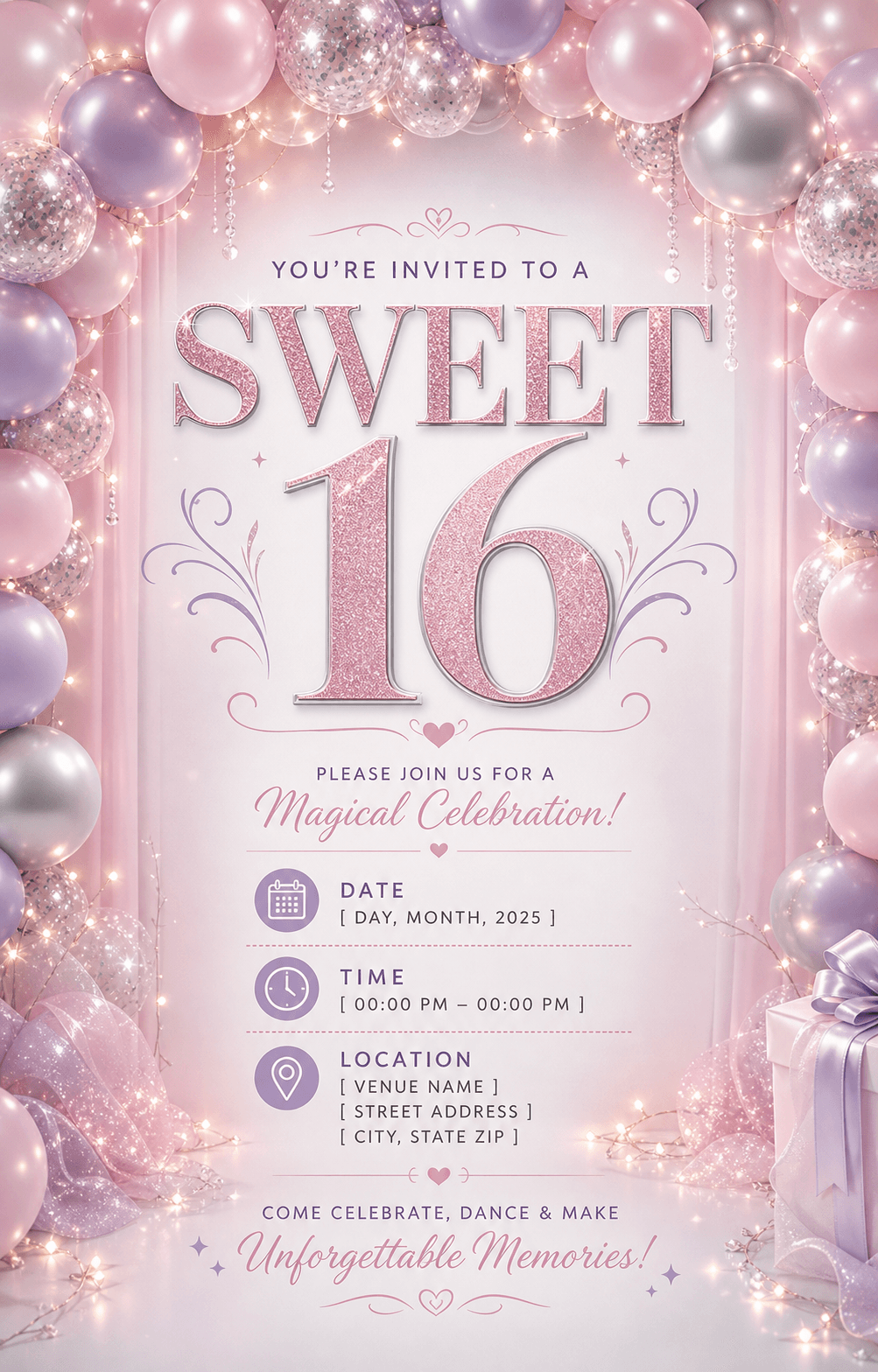
Begin with one job for the flyer. Decide who should notice it, what they need to understand, and what action they should take. Add the exact campaign details and a short visual direction before creating the first draft.
Use one dominant headline, group related information, and keep the next action obvious. When you create a flyer, a viewer should understand the purpose, date or offer, and call to action in a few seconds.
A printed handout and a vertical Story need different crops and spacing. Tell the flyer maker where the design will appear so the layout can be composed for the intended dimensions.
PROMPT STARTER
“Make a flyer for my event with a memorable headline, date, time, venue, short supporting details, and an RSVP call to action.”
FLYER MAKER FAQ
Write a clear campaign brief, choose a relevant template, and use Vismuse to generate the first draft. Request specific revisions in plain language until the information and visual hierarchy feel right.
Yes. Choose a template idea, replace every sample detail, and use the flyer maker to turn it into a new design rather than treating it as a fixed layout.
You can create event, business, restaurant, real estate, party, school, sports, fundraiser, sale, and community flyers.
READY WHEN YOU ARE