Getting started
How to Make a Flyer with AI
A practical three-step workflow for turning a brief into a finished flyer without learning a complex editor.
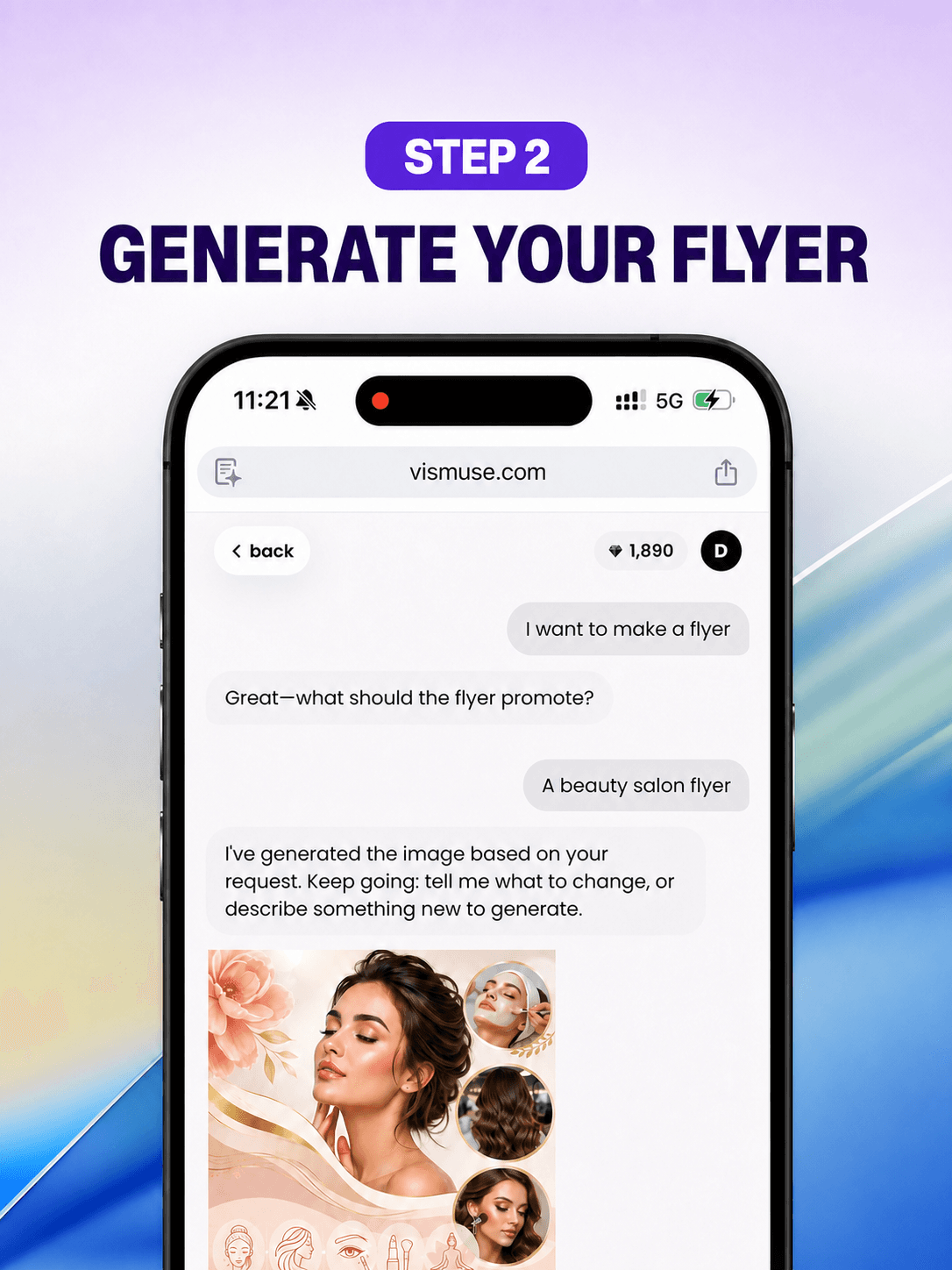
A useful flyer is a compact decision-making tool. It tells the right person what is happening, why it matters, and what to do next—without making them work for the answer.
1. Write a compact creative brief
Start with the purpose and audience, then gather the exact content before thinking about visual style.
- One primary headline
- Date, time, venue, price, or offer
- A clear call to action
- Brand colors, logo, and contact details
- The final print or social format
2. Generate a focused first draft
Describe the hierarchy as well as the aesthetic. Tell the AI which message should be largest, which details are supporting information, and how the viewer should feel.
3. Refine for clarity
Review all text, check the contrast at a glance, simplify crowded areas, and ask for targeted changes. Treat the first result as a direction rather than the finish line.
4. Prepare the final file
Confirm every date, name, address, phone number, link, and price. Export at the dimensions required by your printer or publishing channel.